







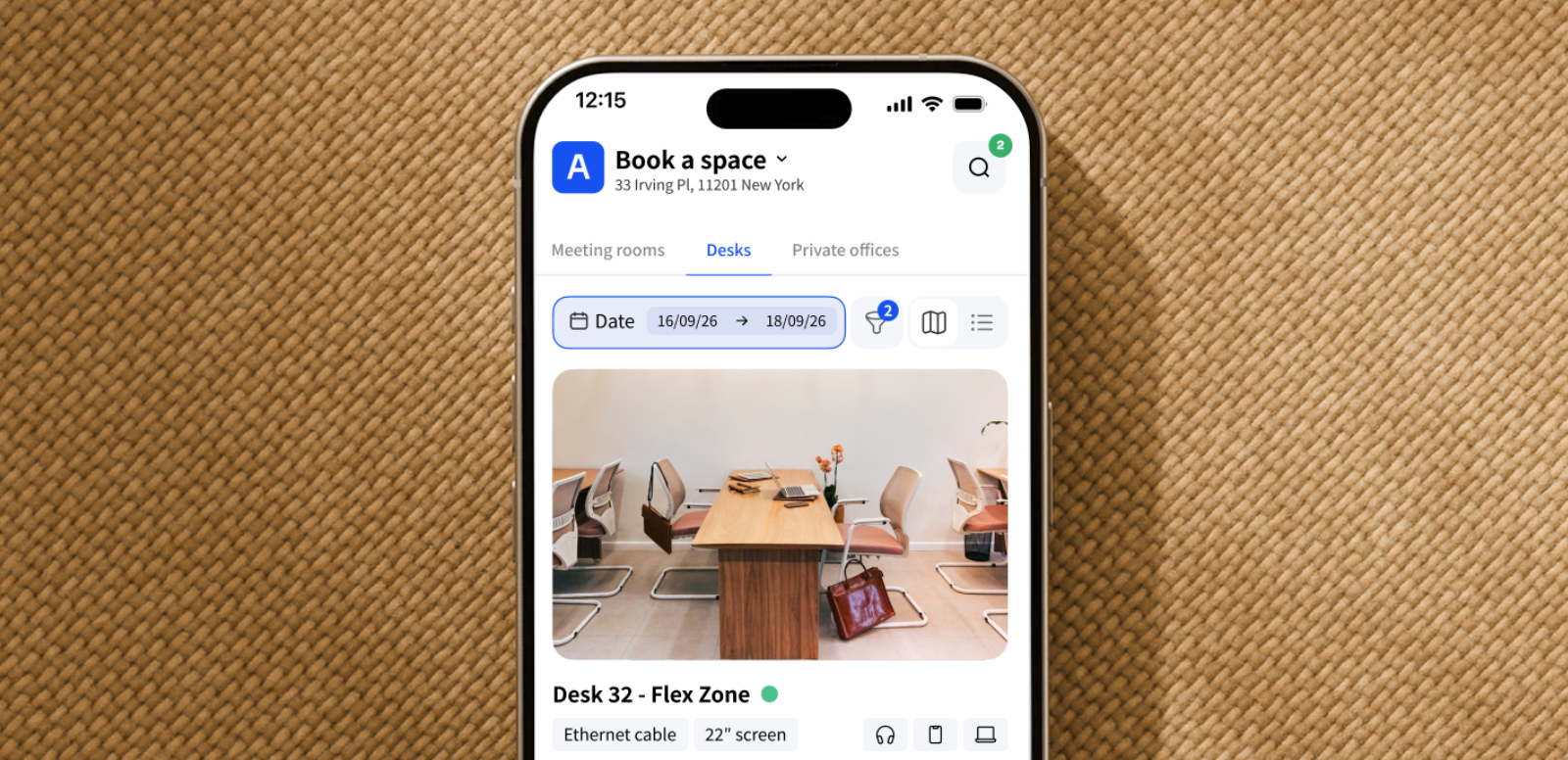

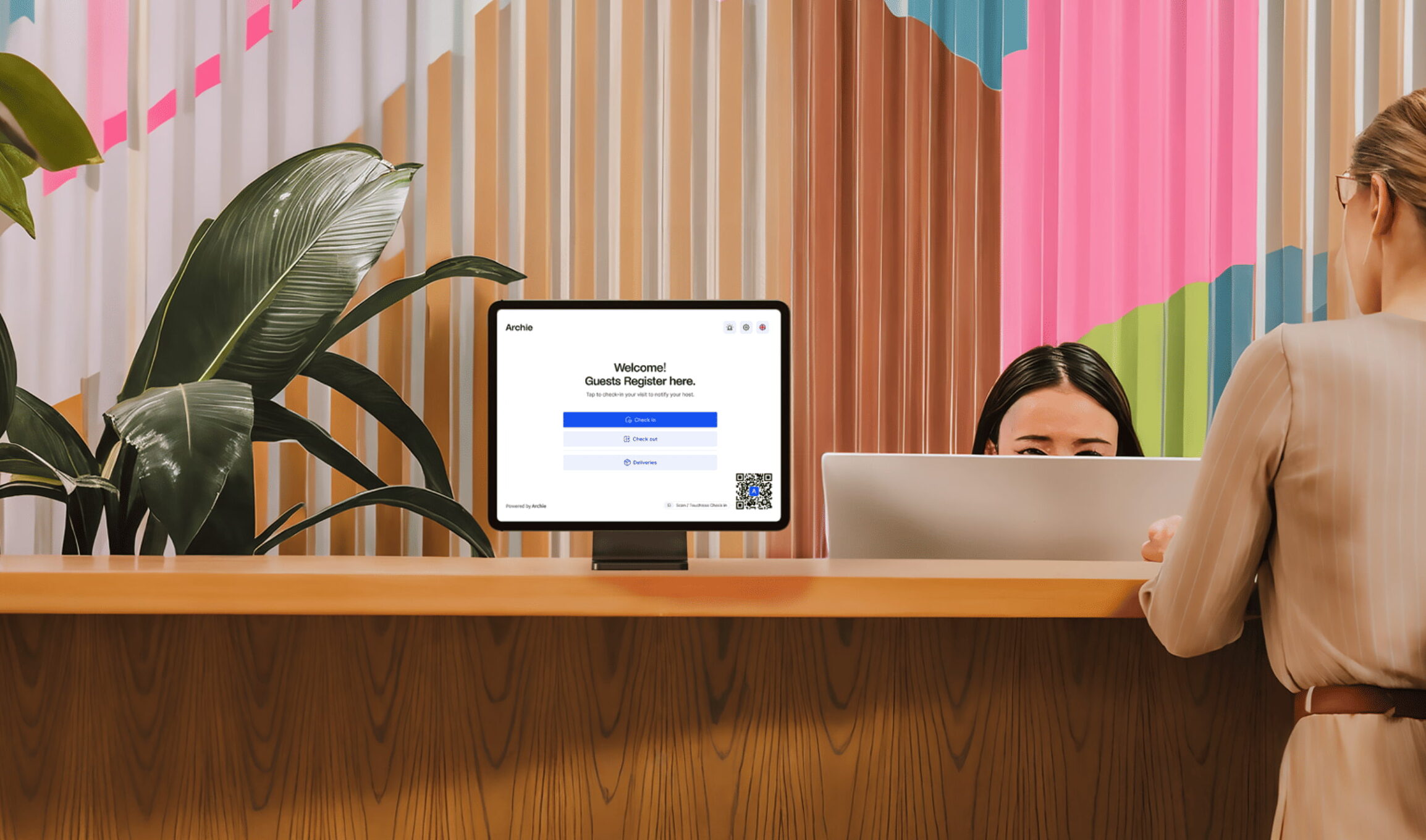
At Archie, updates aren’t just about adding more features — they’re about making space management easier for you. We listen closely to what our customers need and focus on real improvements that make a difference in everyday use. That’s why our platform keeps getting better, with updates that are practical, thoughtful, and built around your feedback.
This latest release is full of new improvements to help you manage your workspace more easily, from smoother check-ins and bookings to better contract handling and visitor tools. Below are the biggest highlights, plus a quick look at everything else that’s new.
The latest Archie product updates
🤿 Let’s dive into the biggest changes first:
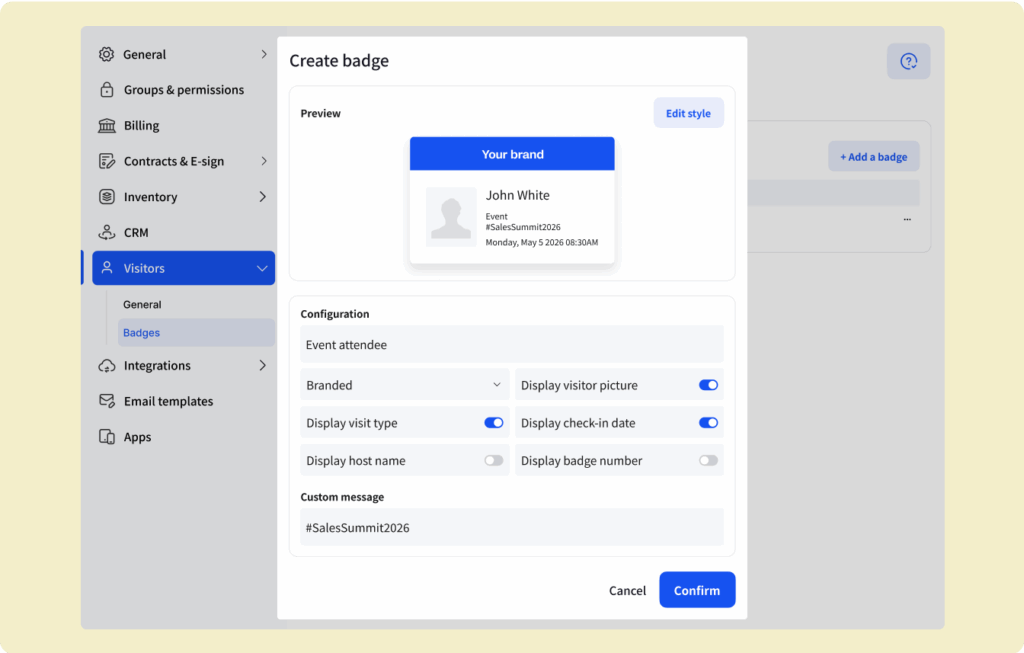
1. Printing custom badges for visitors automatically
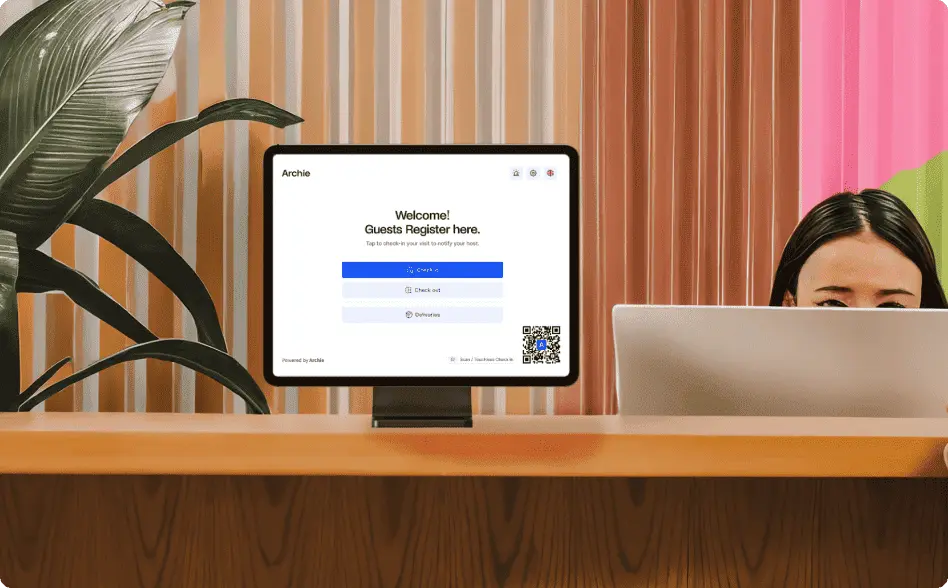
Archie now works with Brother printers to support auto-printing visitor badges. You can design different badges based on visit types (like tours, meetings, or day passes) and have them print automatically when someone checks in. It makes the whole process look more professional — and takes a load off your team.
2. New Zapier integration for lead forms
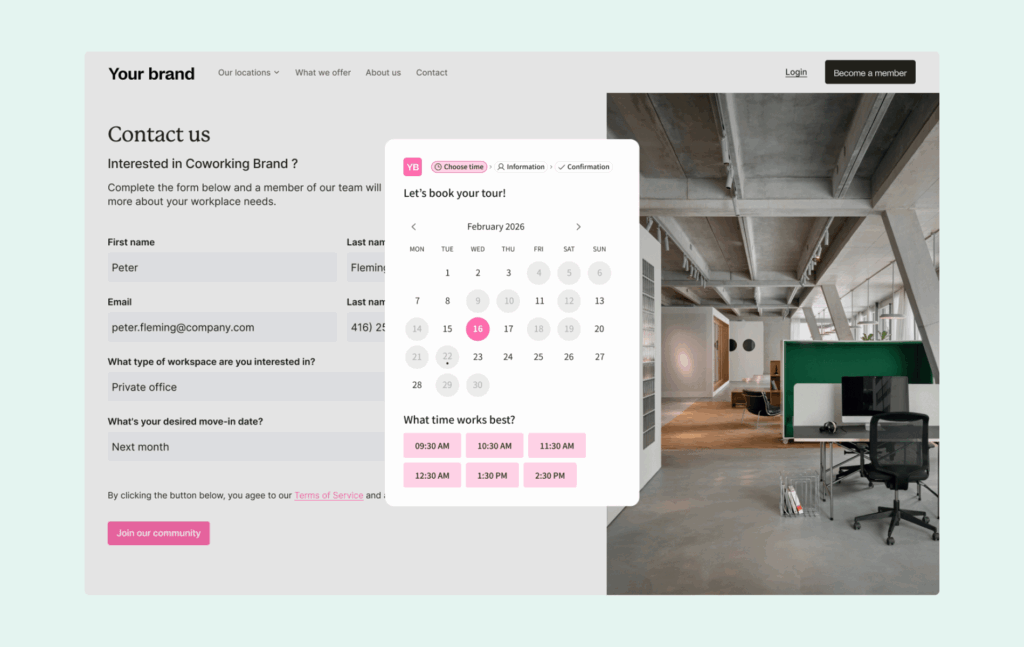
Now, whenever someone fills out a form (like a coworking tour request), you can automatically send that info to the tools you already use — your CRM, email marketing platform, or Slack, for example — using Zapier. This helps automate your workflows and makes sure nothing slips through the cracks.
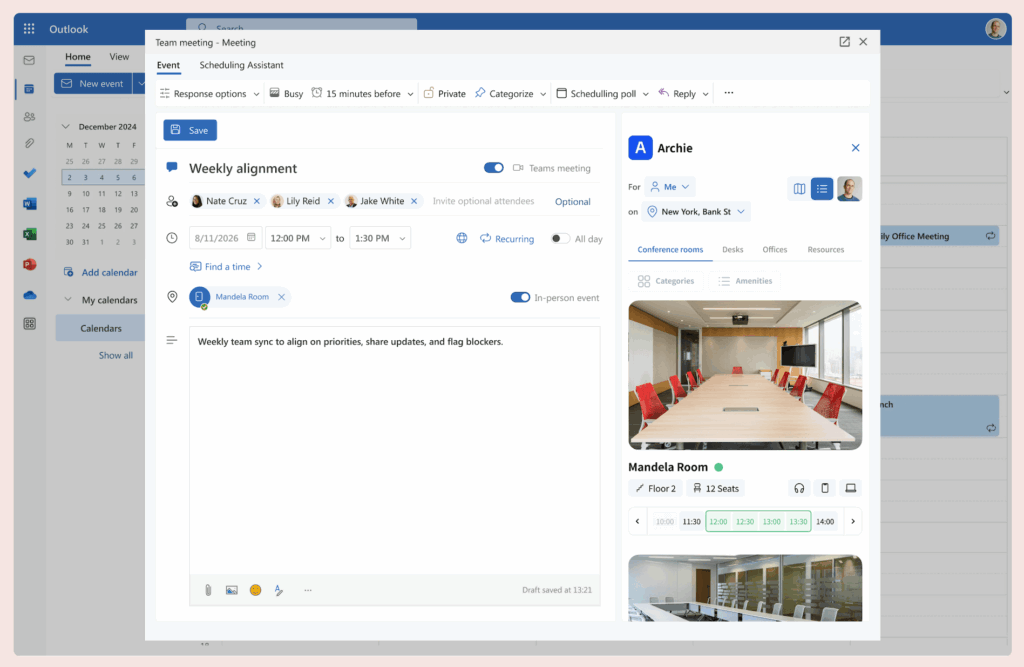
3. Booking rooms straight from Outlook
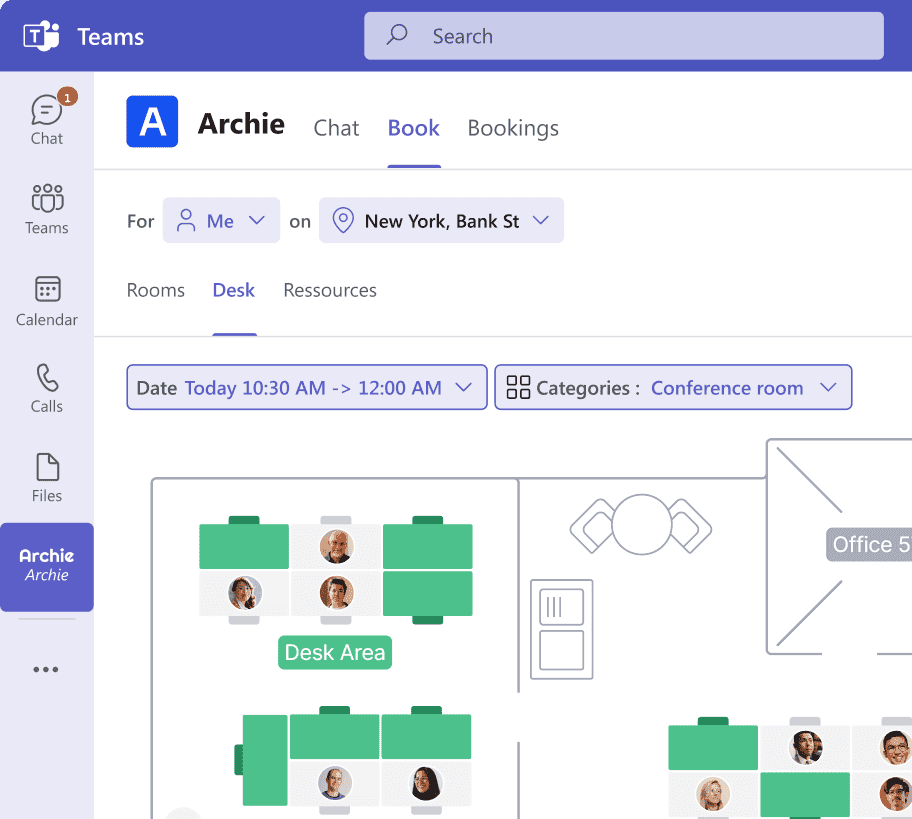
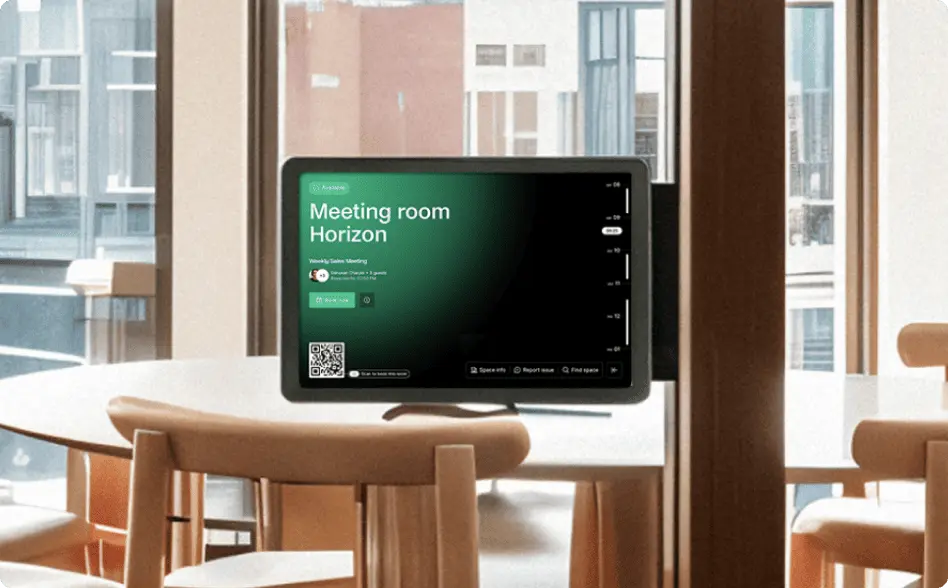
There’s a new Microsoft Outlook integration that makes it super easy to check room availability and add the right space to your calendar event — without switching between tools. It’s perfect for anyone who’s already using Outlook to schedule meetings. Just click, check, and book. If you’re interested, here’s more on Microsoft bookings.
✨ All other updates
4. A simpler check-in for day passes
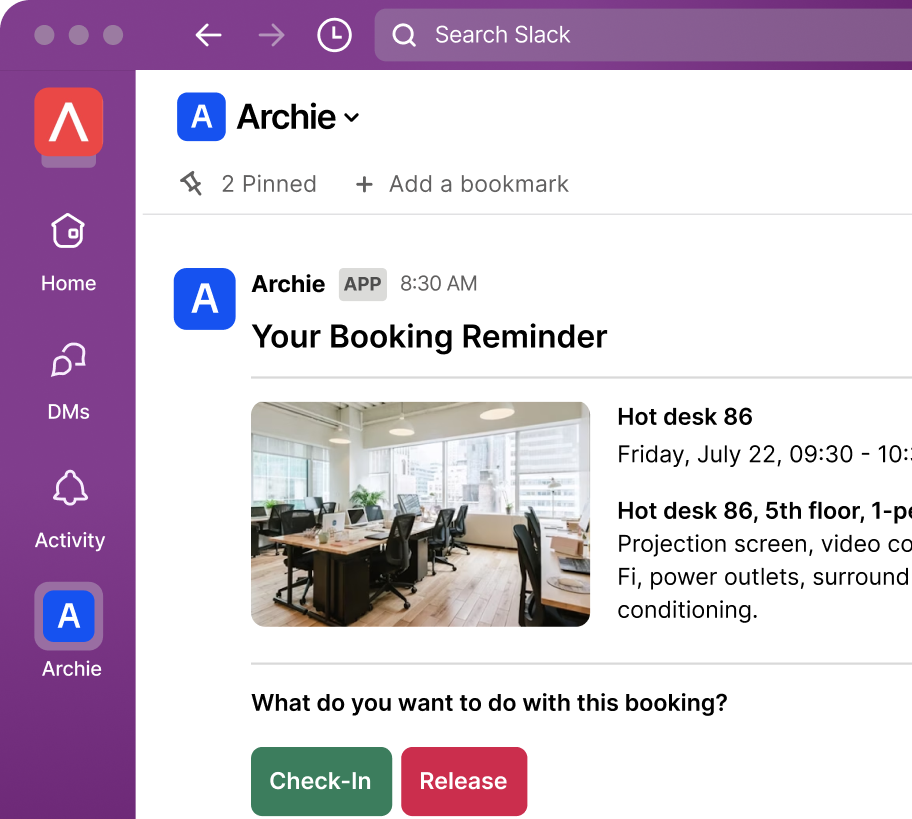
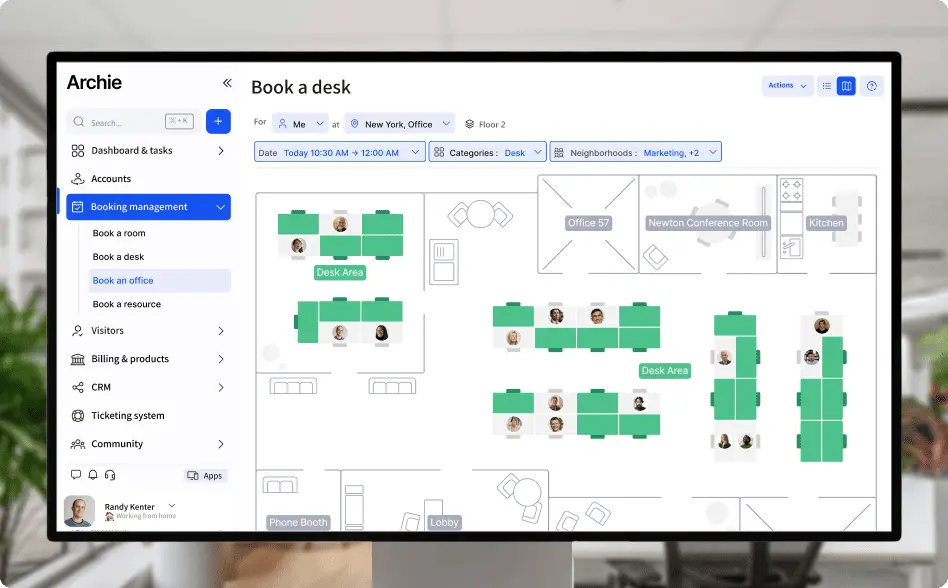
Starting May 18, there’s a brand-new way to check in clients using day passes. Instead of the “Book a Desk” box, there’s now a dedicated Check-In tab. Admins can check users in faster, either from the “Passes” section or directly from each client’s profile. It’s more straightforward and saves time, especially helpful when things get busy at the front desk.
5. Event ticket instructions
Admins can now add extra instructions to event tickets — like where to park, what to bring, or how to find the front desk. It’s a simple way to help guests feel more prepared and welcome.
6. Signing PDFs on the tablet
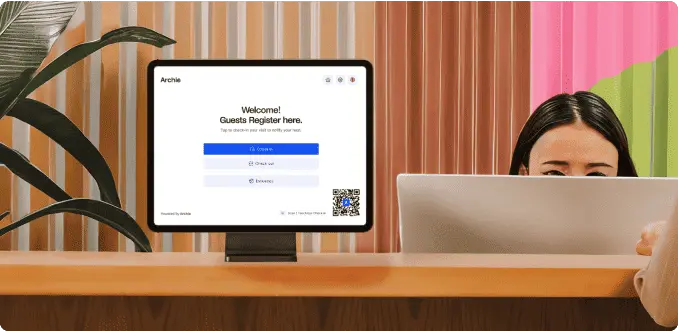
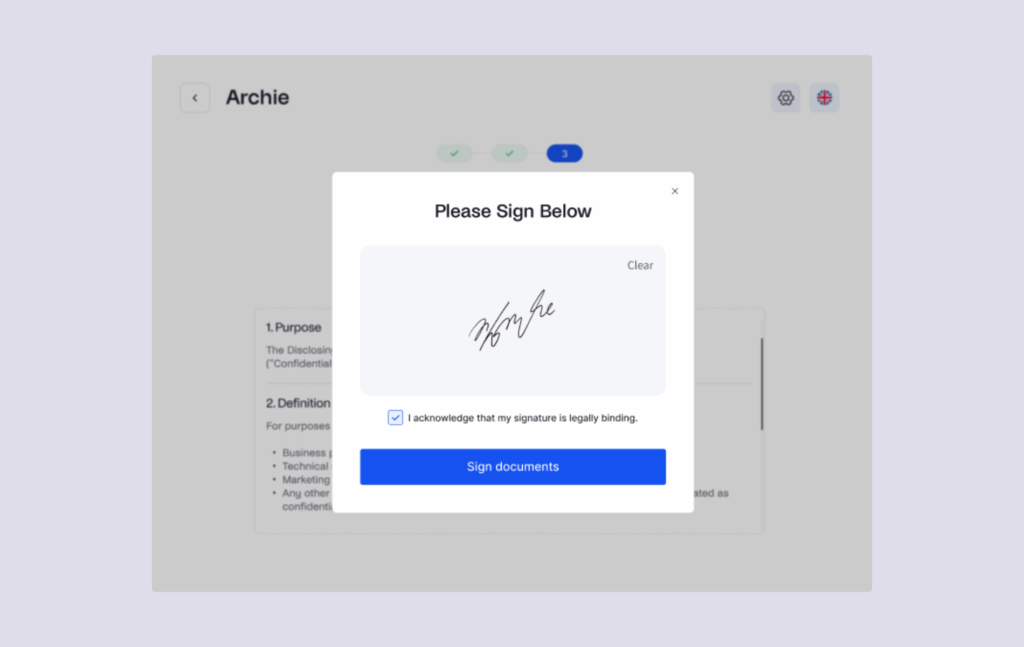
Visitors can now sign PDF documents directly on the check-in tablet. It’s great for NDAs, agreements, or forms that used to require paper and pen.
7. Invoice history made clearer
Want to know who sent an invoice or made changes to it? Now you can! Archie’s invoice history now shows who did what, making it easier to track actions and stay organized.
8. Quick access to billing info
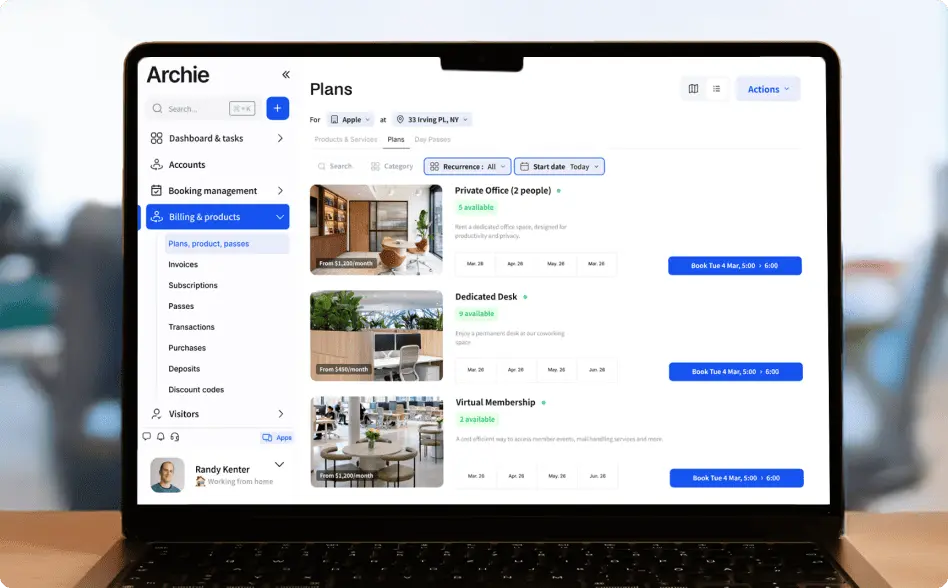
There’s a new shortcut in your Settings menu that takes you straight to your billing details and payment methods. No more clicking around — it’s right there when you need it.
9. Smarter booking duration settings
To help avoid booking mix-ups, Archie now shows clear labels and warnings if you try to book something too short, too long, or at the wrong interval. It’s like having a helpful nudge before you finalize a booking.
10. Tagging processing fees with account codes
If you charge processing fees, you can now label them with account codes. This makes financial reporting easier and helps your accounting team stay organized.
11. New calendar view for tour bookings
Tour bookings now have their own special calendar view, making it easier to see what’s coming up, when staff are needed, and how many tours are booked each day.
12. Better visitor contract management
There’s a brand-new view just for managing visitor contracts. Now you can easily review, edit, and track all your agreements in one place.
13. Phone number validation
A small but super useful update: phone number fields now double-check for errors when someone types in their number. This helps cut down on mistakes and ensures you have the right contact info.
14. More control over Welcomr
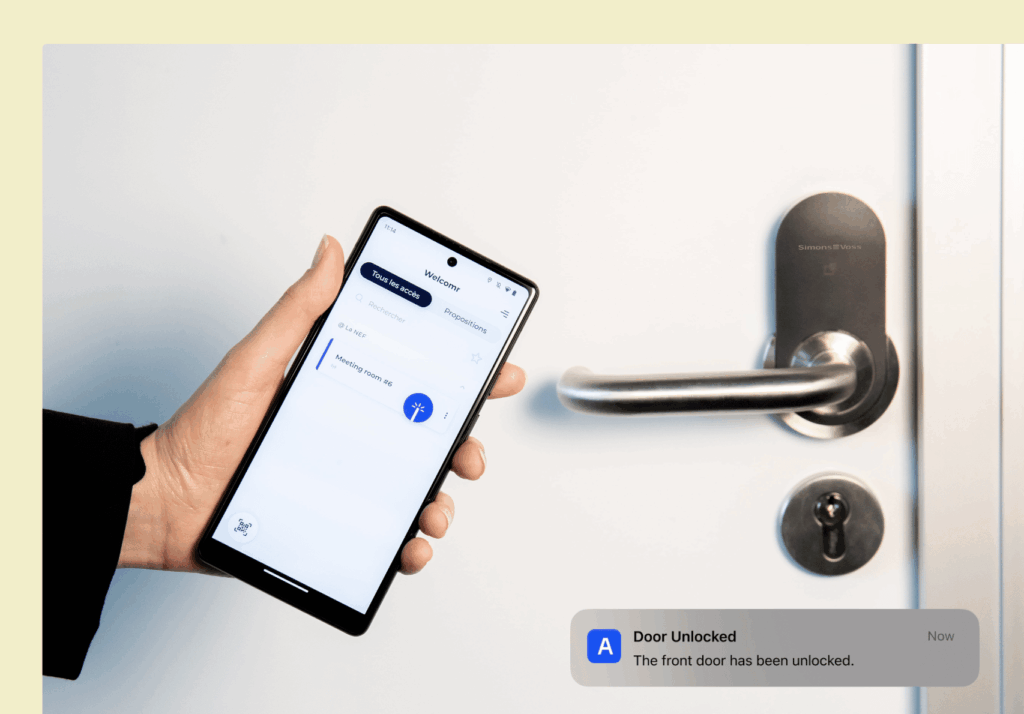
For added security, admins can now disable the remote door opening feature in the access control system Welcomr if they don’t want doors opened remotely through the system.
A lot to go through?
Fair enough! We just wanted to give you a peek at where Archie is headed. Our platform is already packed with great features, and updates like these are how we keep improving and showing why more and more teams are choosing us.
If you’re new to Archie, we’d love to show you how we can help support your growth and make managing your space easier.